Google is constantly shipping updates to Google Ads. It’s a nonstop firehose of new features, tweaks, and tests. Some are important, but most are just noise. The real challenge for any PPC manager is figuring out which ones actually move the needle and which ones are safe to ignore.
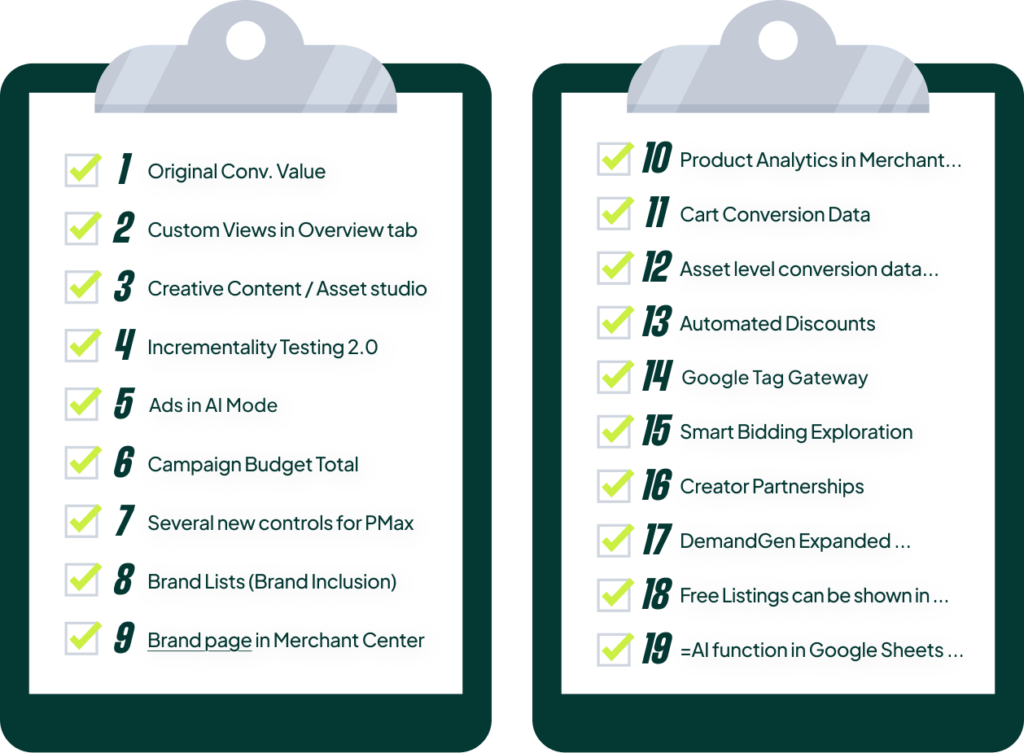
I’ve gone through the recent releases and pulled out 19 updates that I believe most managers haven’t paid enough attention to. Some are brand new, while others have been live for months but are criminally underutilized. Here’s my breakdown of what’s genuinely useful, what has potential, and what’s just… there.
Go Beyond the Article
Why the Video is Better:
- See real examples from actual client accounts
- Get deeper insights that can’t fit in written format
- Learn advanced strategies for complex situations
Brand New Updates Worth Your Attention
Let’s start with what’s fresh out of the oven. These are recent additions that offer some real, tangible value in terms of reporting, efficiency, and measurement.
1. Original Conversion Value
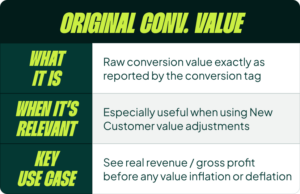
This is a new reporting column that shows your conversion value *before* any attribution model adjustments or value rules are applied. It’s the raw value from your conversion tag. Why does this matter? For those of us using new customer value adjustments (e.g., adding $20 to every new customer conversion to teach Smart Bidding), this column finally gives us a stable KPI. We can see the actual revenue generated before our own inflation rules kick in. It’s a simple, clean way to track true revenue performance while still using value adjustments to guide the algorithm.
2. Custom Views in the Overview Tab
The default Google Ads overview tab is, frankly, a mess. It’s cluttered with irrelevant information like paused campaigns and an optimization score I definitely don’t need. The ability to create a custom default view is a welcome change. I like to build a dashboard that puts actually useful data front and center: search trends, a summary of top campaigns, and the biggest keyword-level changes. It allows me to cut through the noise and see what matters the moment I log in.
3. Search Partner Data in PMax
This is a small but important step towards more transparency in Performance Max. We can now finally see a performance breakdown for the Search Partner Network within our PMax campaigns. It’s not the full search term level of control we all want, but seeing how this network performs is a good first step in diagnosing performance issues.
4. Incrementality Testing 2.0
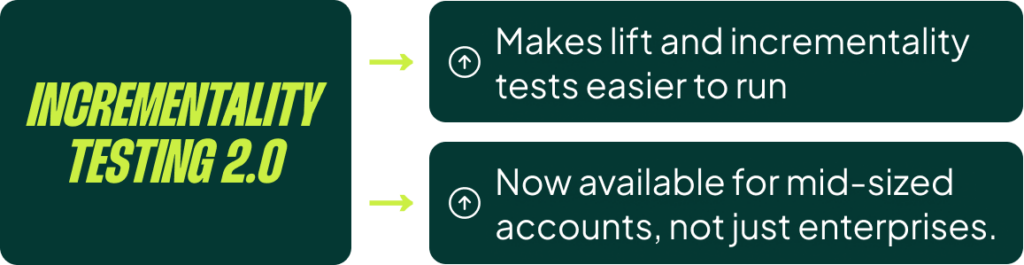
Google is finally updating its conversion lift studies. The big deal here is that the spend threshold to run these tests is dropping from a prohibitive $100,000 to a much more accessible $5,000. Even with large accounts, hitting that $100k threshold in a specific campaign bucket you wanted to test was nearly impossible. This update makes incrementality testing a viable tool for almost everyone. I haven’t seen it live in accounts just yet, but it’s supposed to be rolling out very soon and will be one of the more interesting things to start using.
Features You’ve Probably Ignored (But Shouldn’t)
These next few aren’t brand new, but I swear barely anyone is using them to their full potential. Ignoring these is a mistake.
 5. Cart Conversion Data
 5. Cart Conversion Data
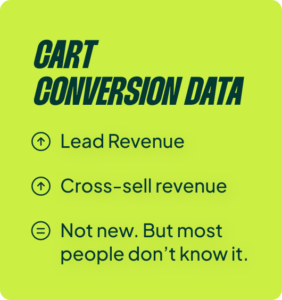
I’ve been banging this drum for years. The standard data in Google Ads is flawed because it only shows you which product was *clicked*, not what was ultimately *purchased*. Cart data fixes this. It splits revenue into “lead revenue” (sales from the same product that was advertised) and “cross-sell revenue” (sales from a different product). When we analyze this, we often see that 70% or more of the revenue comes from cross-sells. This is a goldmine. It tells you which products are effective “door openers” that lead to larger carts. The logical next step is to find these products and bid more for them, because their true value is much higher than what standard reporting shows.
6. Asset-Level RSA Data
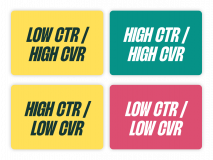
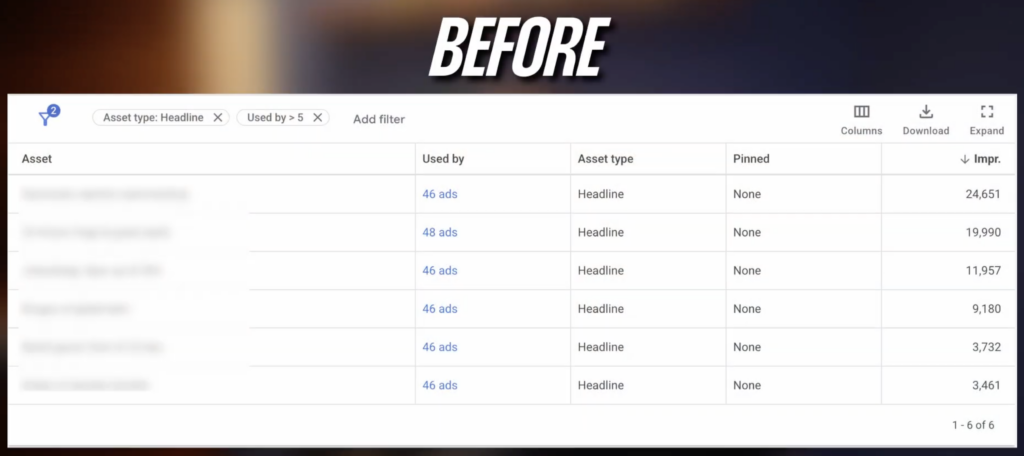
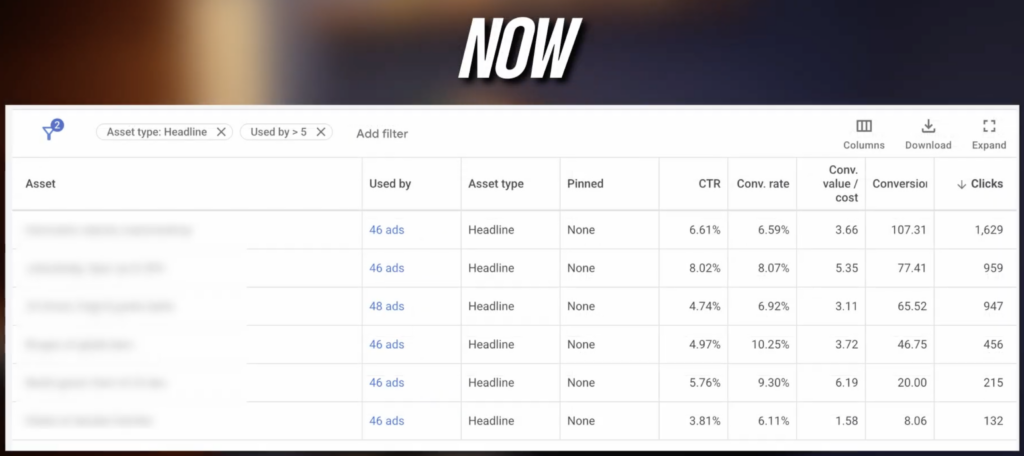
This was the gift that keeps on giving from last summer. For years, we were flying blind with Responsive Search Ads, only seeing impression data for assets. Now, we have clicks, conversions, conversion rate, CTR—all the data we need to properly optimize. We can finally go back to the old-school (and effective) way of ad testing: identify headlines with a high conversion rate but low CTR, and pair them with elements that drive clicks. This data brought real ad optimization back to search campaigns.
7. Smart Bidding Exploration
I’m a huge fan of this feature and I hope it comes to Shopping soon. It’s currently available for Search, and it lets you tell Google to strategically lower your ROAS target by 10-30% to chase new auctions you aren’t currently winning. It’s a powerful tool for scaling accounts with large catalogs or a wide range of search terms. Instead of just blindly lowering your ROAS target across the board, this gives the algorithm controlled permission to explore and find new pockets of growth.
8. Demand Gen Expanded Controls
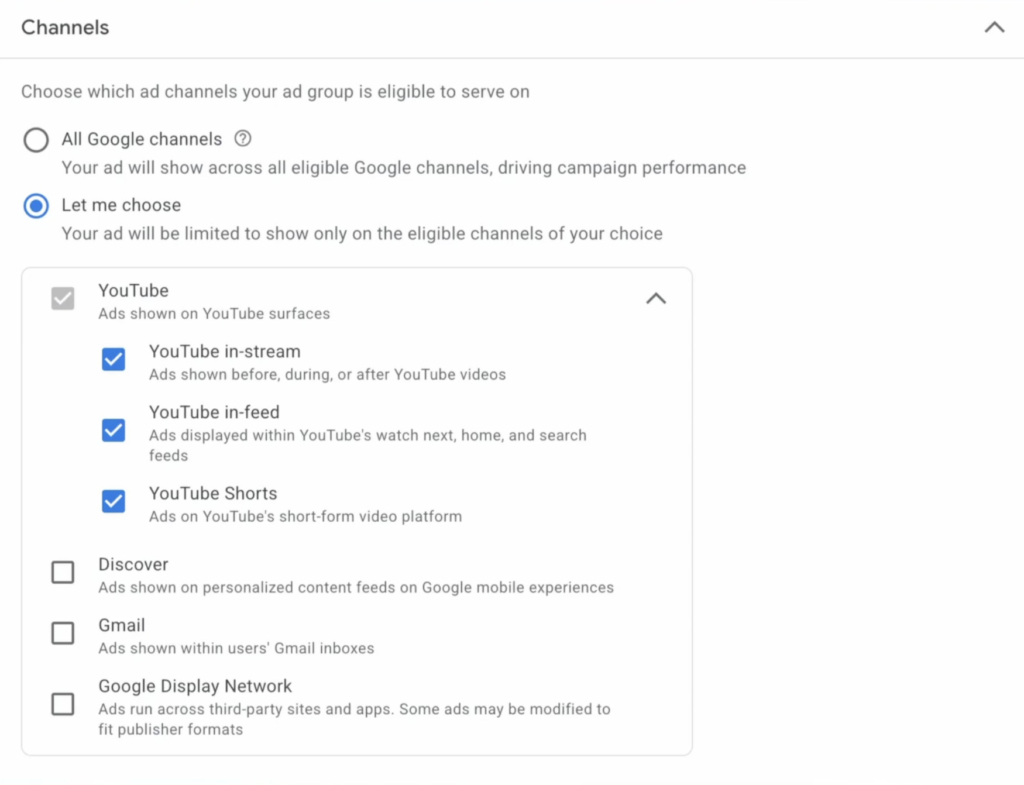
Google didn’t repeat the mistakes of PMax with Demand Gen. They’ve actually given us granular controls at the ad group level. You can choose to run on YouTube in-feed, Shorts, Discover, Gmail, etc. This allows you to focus your budget on the placements that work best and tailor your creative accordingly. If you want to focus on Shorts, you can. If you want to avoid a certain placement, you can. This level of control is exactly what we need.
The “Interesting… But Let’s Wait and See” Pile
Some updates show promise but aren’t fully baked or their strategic value isn’t quite clear yet.
9. AI in Search (AI Overviews)
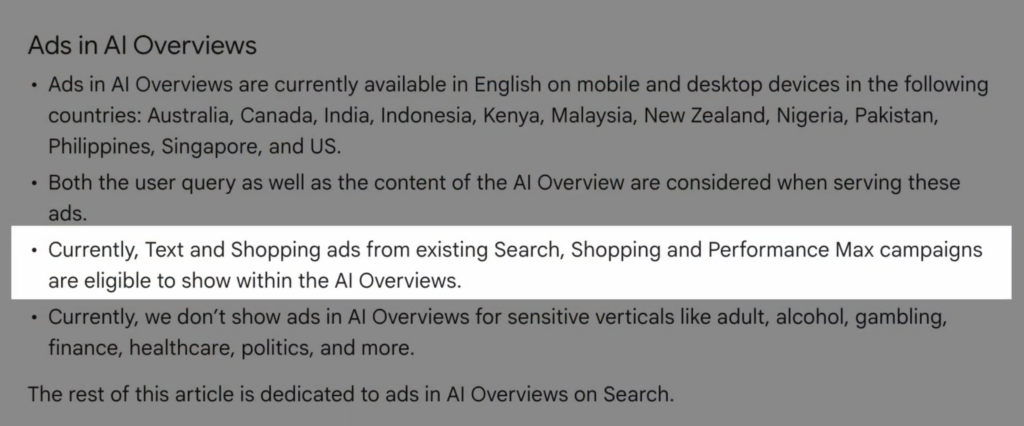
This isn’t really news, but the documentation has been evolving. Initially, it seemed like you needed specific campaign types to show up in AI Overviews. Now, Google has clarified that any text and shopping ads from existing Search, Shopping, and PMax campaigns are eligible. You do not need a special “AI” campaign. The place where this might get more interesting is if Google allows AI to rewrite ad copy on the fly to better match the conversational nature of an AI-powered search, pulling from your product feeds and descriptions to create hyper-specific ads.
10. Asset Studio in Merchant Center
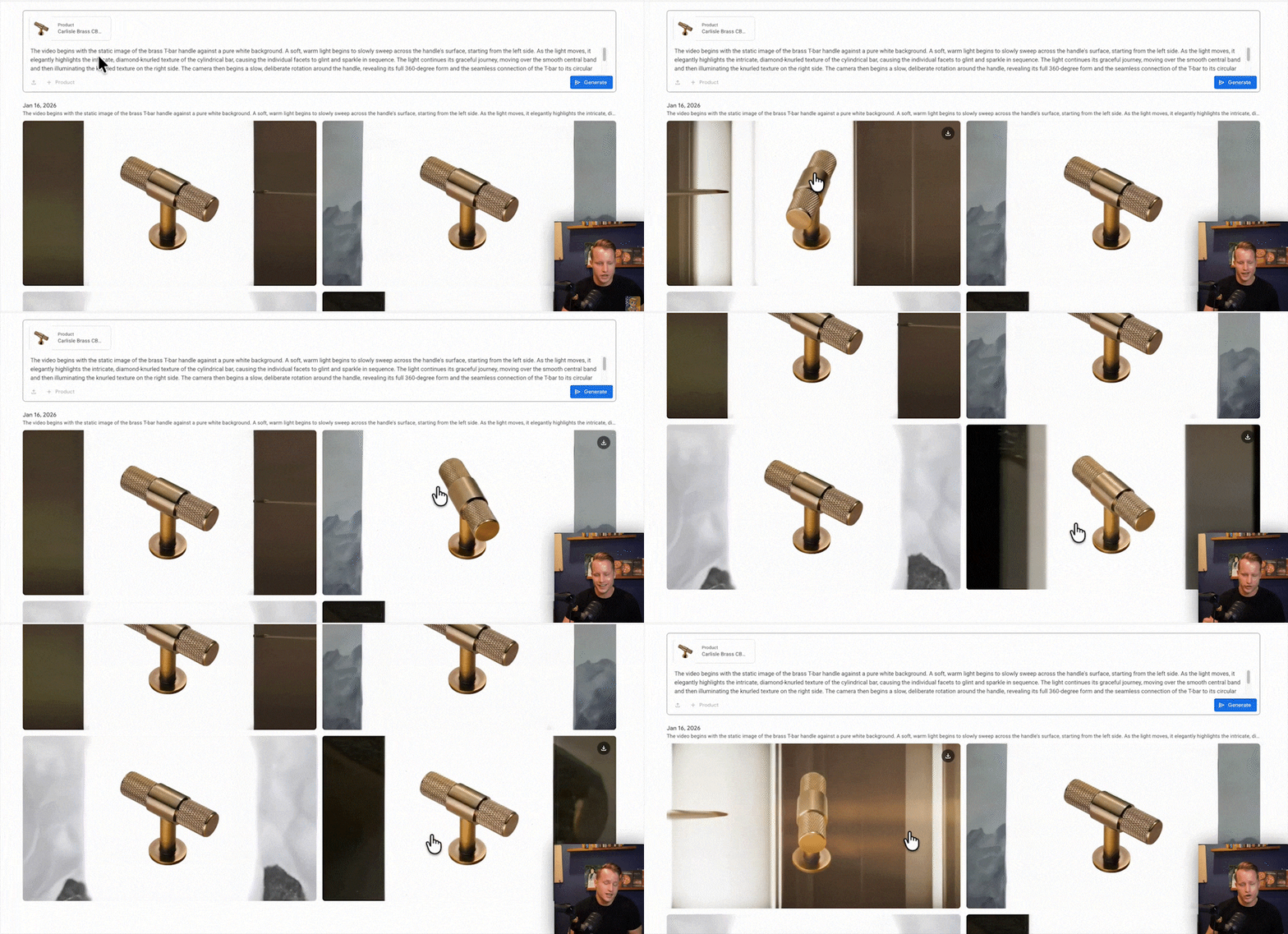
The Merchant Center now has a “Product Studio” that can do things like generate animated videos from your product images. The tech is pretty cool—it’s designed to retain all the key product features like logos and zippers. However, the output is still a bit clunky. I can see the potential for creating simple video assets for Demand Gen or retargeting campaigns, but we’re not quite there yet. It feels like a feature with a lot of potential, but we still need to figure out how to best use it.
11. Product Analytics in Merchant Center
There’s now a product analytics section that shows you popular and trending products. In theory, this is great. We’re lacking a good product analysis platform, and Merchant Center is the logical place for it. The problem is that the current implementation isn’t very useful for e-commerce, as week-over-week or month-over-month comparisons are often misleading. I like the idea, but it needs more work to become a genuinely useful tool.
12. Brand Pages in Merchant Center
Announced at Google Marketing Live, this feature pulls information from your Merchant Center (product images, Trustpilot reviews, YouTube videos) to create a dedicated brand page in the search results. It looks cool, but I’m still waiting to see the final implementation and how much it will actually help in defending brand search terms from competitors.
Updates That Are Just… There
This last batch is a mix of niche features, quality-of-life improvements, and a few head-scratchers.
13. Campaign Budget Totals: You can now set a total budget for a campaign’s entire lifetime. I can’t for the life of me see the use case for this in performance-focused Search and Shopping campaigns. Maybe for a short display or YouTube flight, but otherwise, I’m not sure what problem this solves.
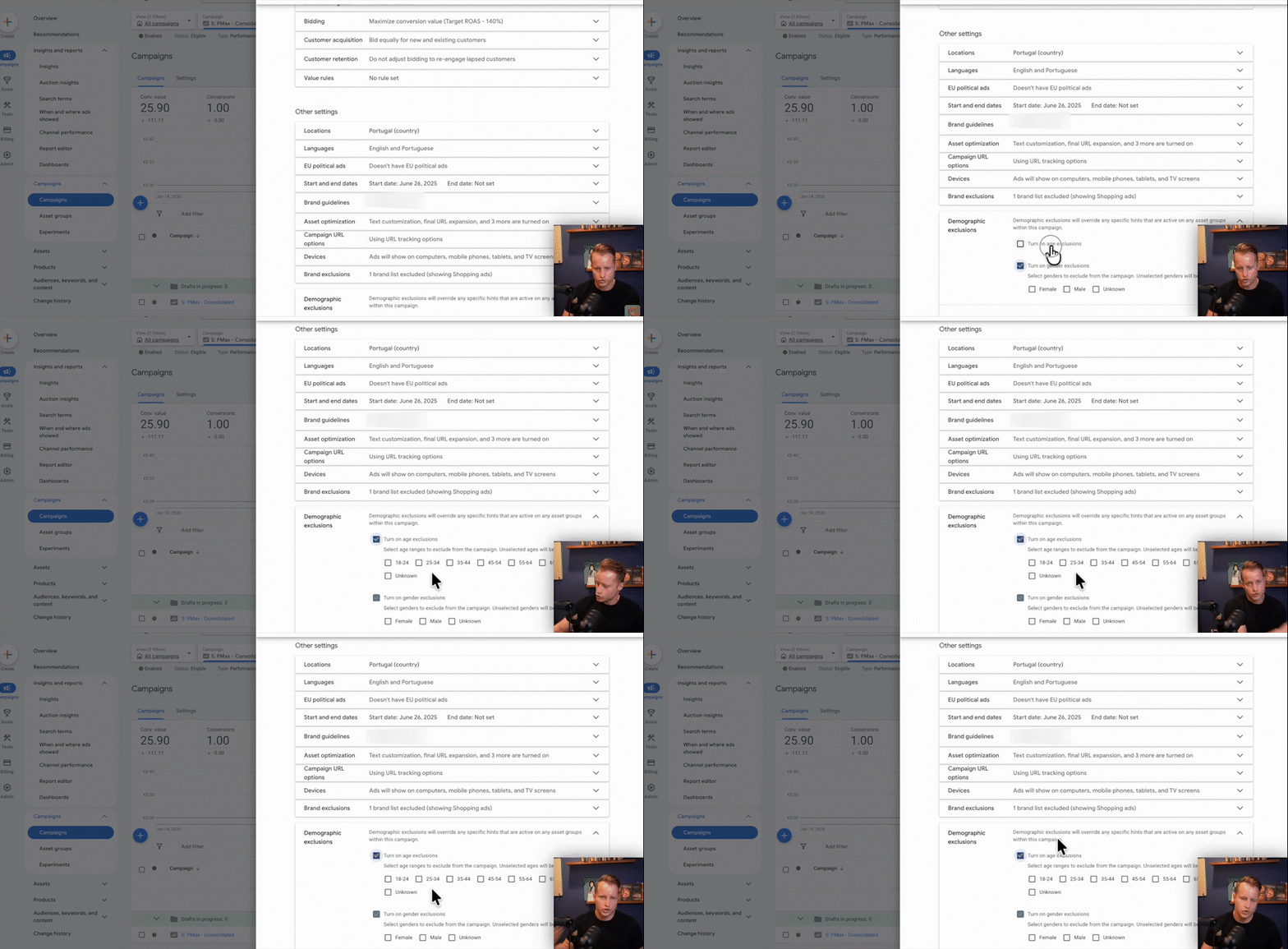
14. PMax Age & Gender Controls: We can now apply demographic exclusions to PMax. This is less useful for the Search/Shopping part of PMax but could have some value if you’re trying to control the YouTube and Display placements.

15. Brand List Inclusions: We’ve had brand exclusions for a while, and now you can also specify brands to *include*. The primary use case seems to be creating a PMax campaign that *only* targets specific brand keywords. It feels like a rarity when we’ll need this, but it’s there.

 16. Automated Discounts: This allows Google to automatically apply discounts to your products to secure a sale. We decided not to even test this. For nearly all of our clients, pricing and promotion are core strategic decisions. Handing that control over to Google is a non-starter. There are also significant legal questions in some regions about offering different prices to different users.
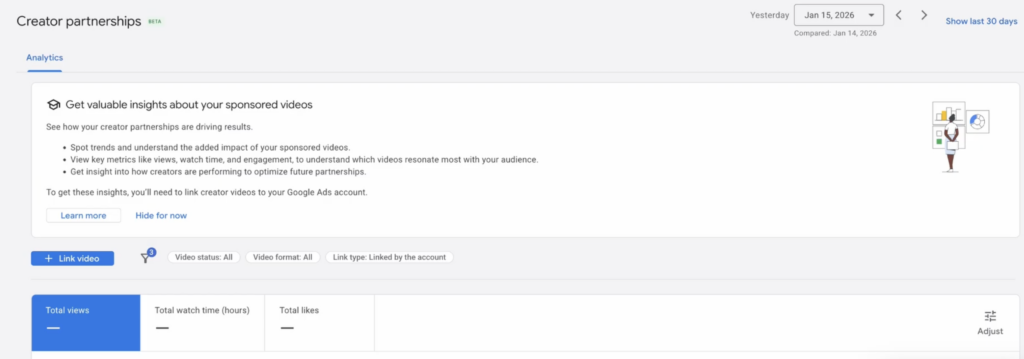
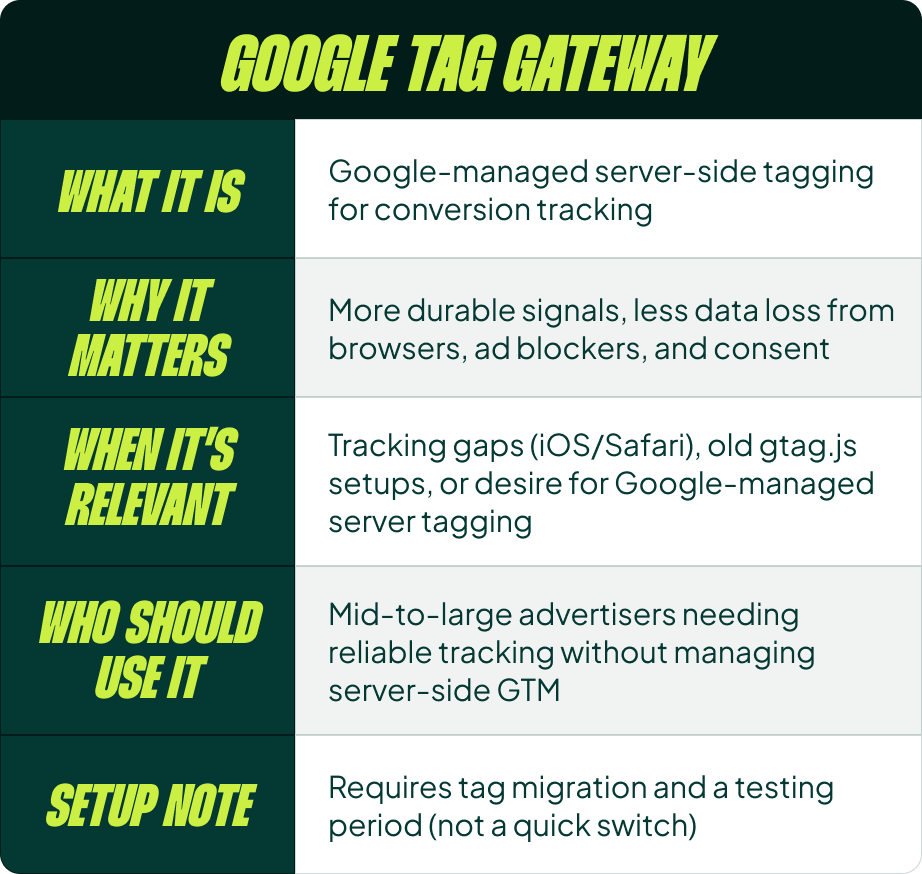 17. Creator Partnerships: A native integration to run campaigns with YouTube creators directly from the Google Ads interface. If you do a lot of influencer marketing on YouTube, this is for you. For everyone else, it’s not relevant.
18. Free Listings in CSS Merchant Centers: A simple quality-of-life update. You no longer need a separate Merchant Center for your free listings if you’re using a Comparison Shopping Service (CSS) in Europe. A small change that removes a headache.
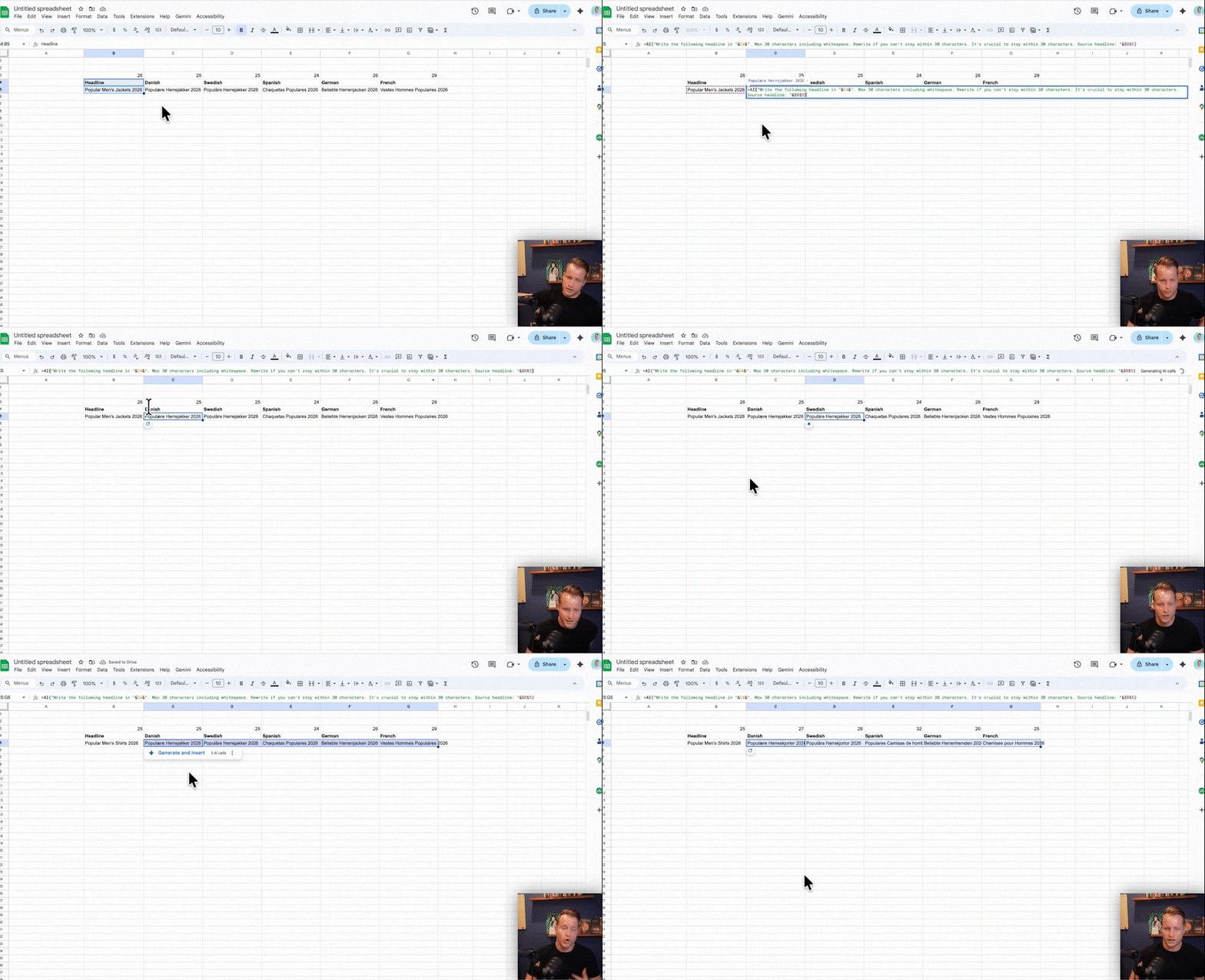
19. AI Functions in Google Sheets: This isn’t a Google Ads update, but it’s genuinely useful. You can now use Gemini directly in Google Sheets. I’ve used it to translate ad headlines into multiple languages right within the sheet, with character count constraints. It’s fast, effective, and saves a ton of time on tedious tasks.
The One Feature I’m Actually Waiting For
After all that, the update I’m most excited about still isn’t live.
What I cannot wait to get is A/B testing of images and titles directly in the Merchant Center. This would be a complete game-changer. It would finally give us a systematic, scalable way to test product images and title changes without having to use multiple feeds, duplicate products, or other clunky workarounds. This single feature would do more for Shopping optimization than almost everything else on this list combined.
[TL;DR]
- Focus on what’s underutilized: You’re likely leaving money on the table by ignoring Cart Conversion Data, Asset-Level RSA Data, and Smart Bidding Exploration.
- Embrace new reporting clarity: Use the “Original Conversion Value” column to get a true read on revenue when using new customer value adjustments.
- Customize your workspace: Clean up the cluttered Overview tab with a custom view to focus on the metrics that actually matter to you.
- Be skeptical of automation without control: Features like Automated Discounts sound nice, but handing over core strategic levers like pricing is rarely a good idea.
- The future is testing: The most valuable update on the horizon is native A/B testing in the Merchant Center. The ability to systematically test and improve is what truly drives performance.